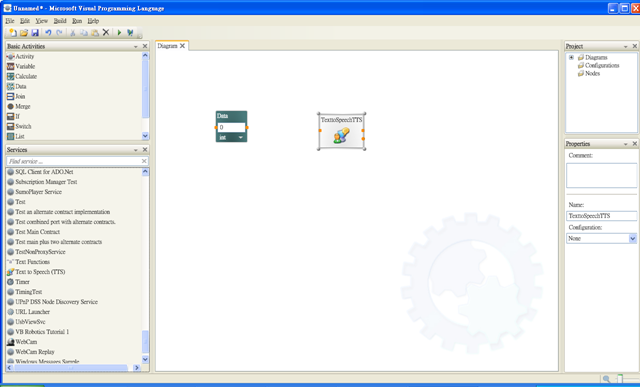
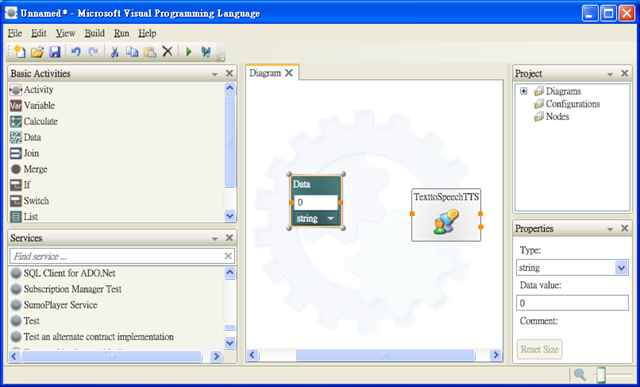
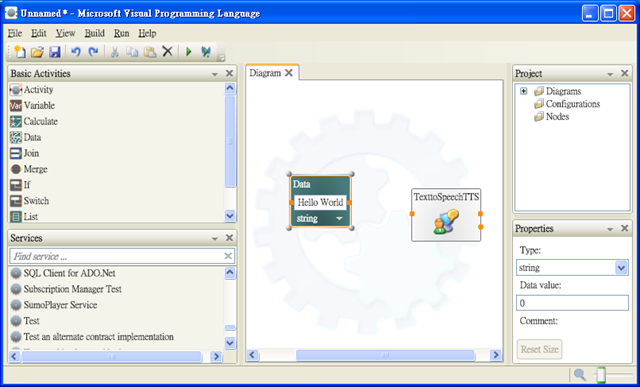
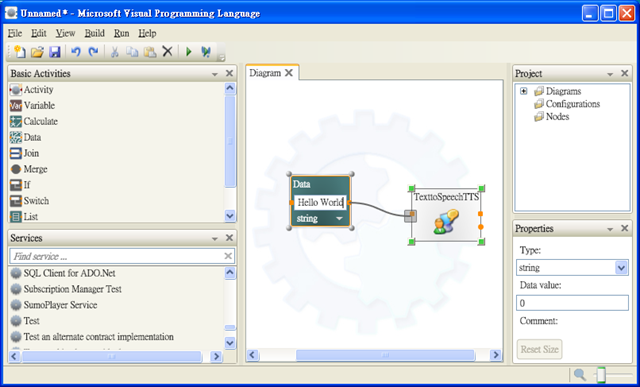
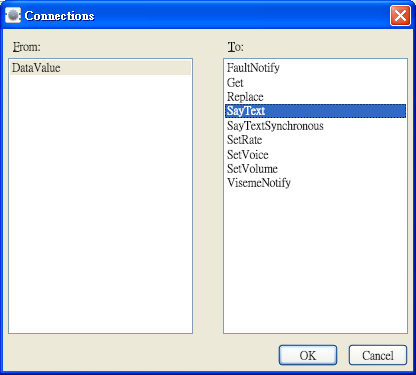
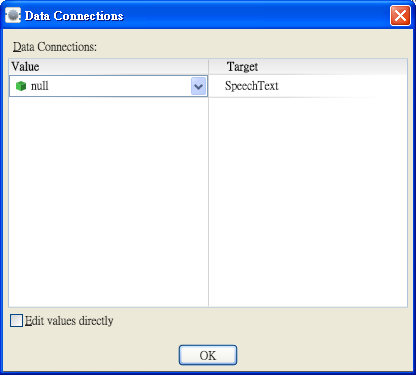
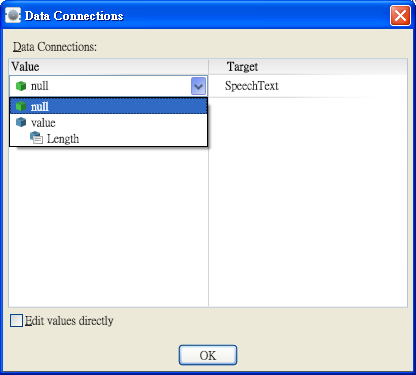
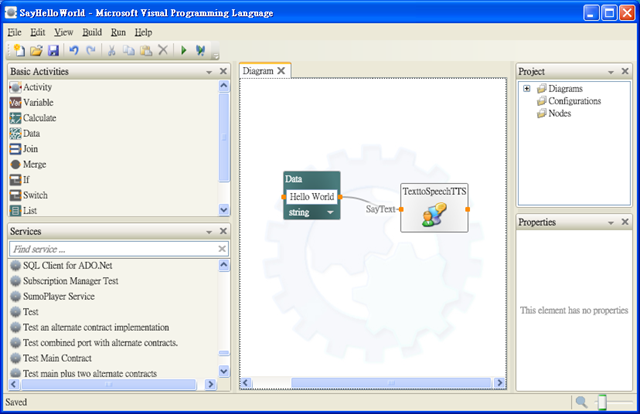
2009-01-04 用VPL說Hello World 1942 0 用VPL說Hello World 在diagram擺上Data及TexttoSpeechTTS Data的資料形態要改成String 在Data輸入Hello World 從Data拉線到TexttoSpeechTTS 這時會跳出下面的對話框,在To的選項選SayText 按OK後, 跳出下面視窗 選取Value,然後按OK 存檔,然後按下三角形的Start執行程式,就可以聽到電腦對你說Hello World 回首頁